Cozydoro app icon

CozydoroFocus Timer

Embrace a unique pomodoro experience.

A Pomodoro focus timer that feels like a warm room instead of a stopwatch. Set a session, pick a cozy scene and ambient sound, and work in calm, steady blocks.

Category
Focus Timer
Platforms
iOS and Android
Status
Available now
Made by
Torchingale

The name

cozydoro/ˈkoʊ.zi.do.ro/

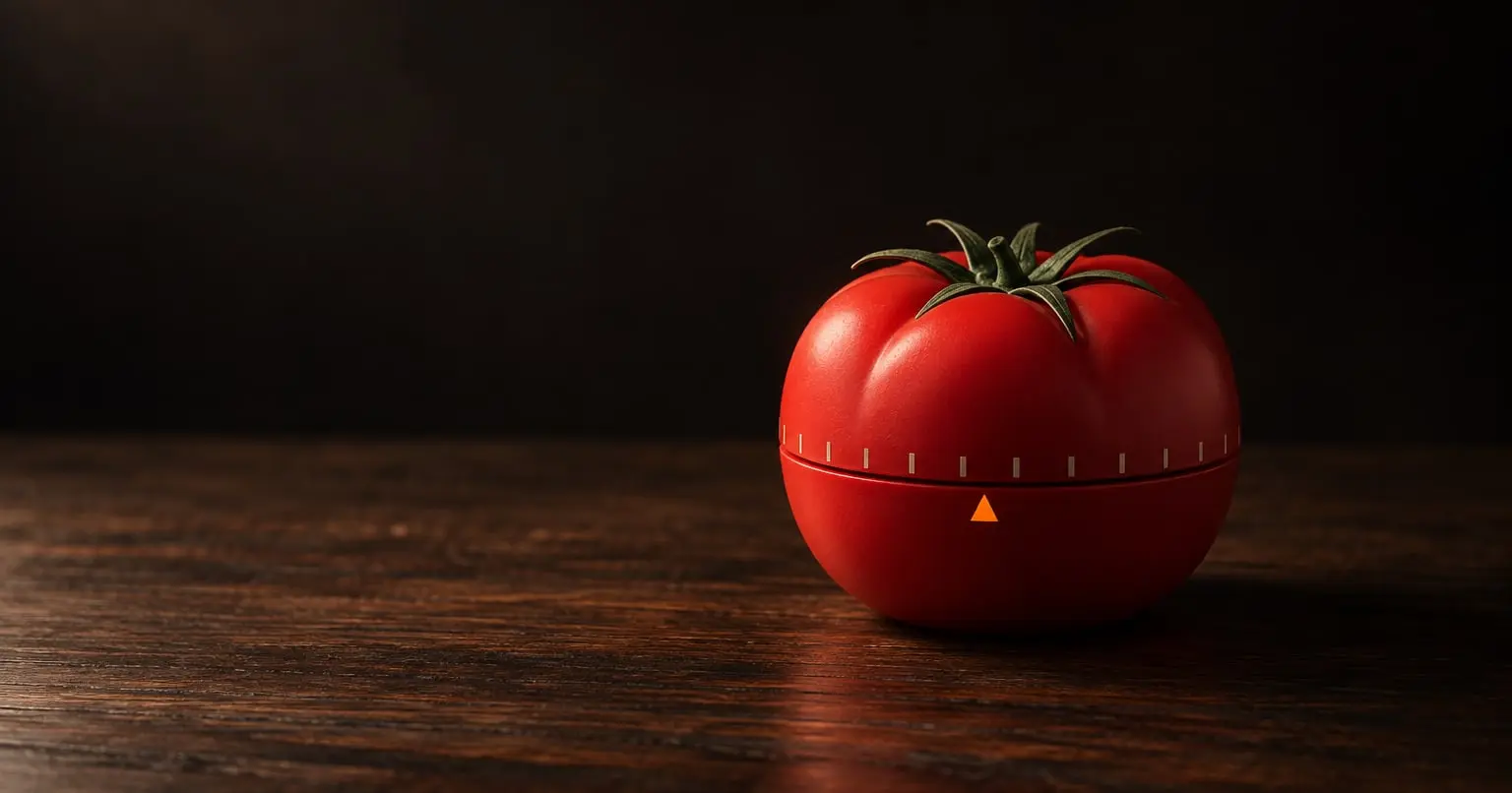
Cozy, because focus comes easier when you feel comfortable. Pomodoro, the classic 25-minute work rhythm named after a tomato-shaped kitchen timer. Put together: a rhythm you actually want to sit down with.

Why it exists

Most focus timers feel like pressure: a countdown and a buzzer. We kept losing the fight with starting, not with finishing. So we built a timer that lowers the cost of beginning, with a place that feels good to stay in and a rhythm that adapts to you.

What Cozydoro does

A calm place to focus

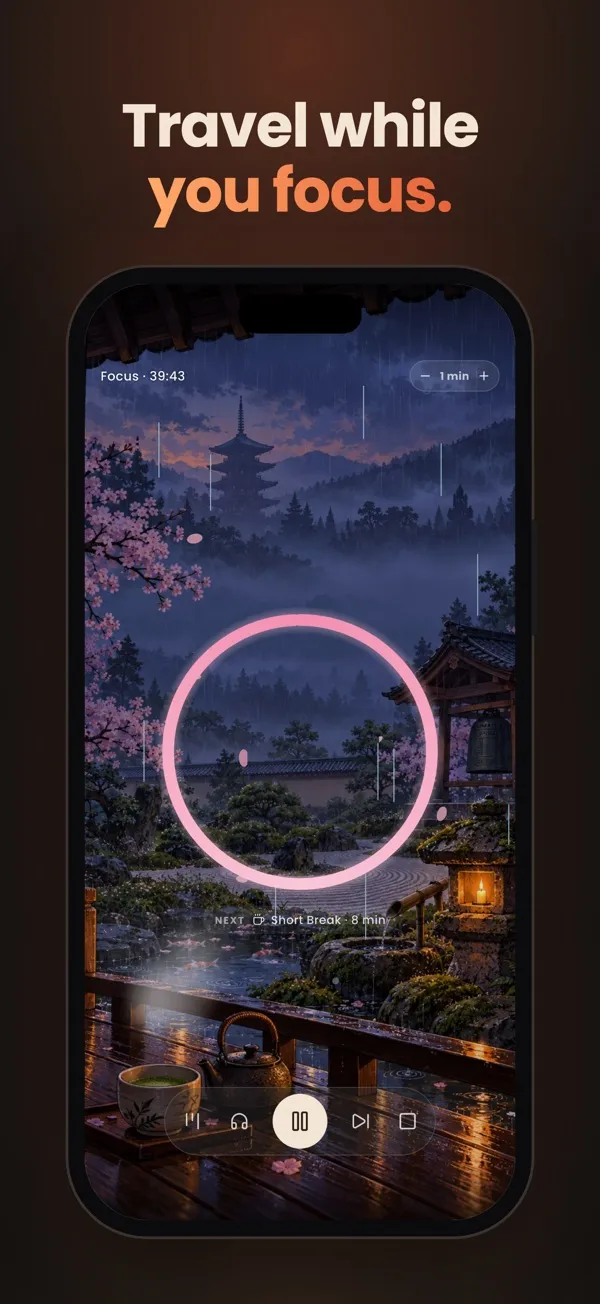
A painted scene fills the screen and a ring in the middle, drawn in that scene's own colours, shows the time you have left. The next phase sits underneath, and the controls fade away after a few seconds so nothing else asks for attention.

Timers that fit you

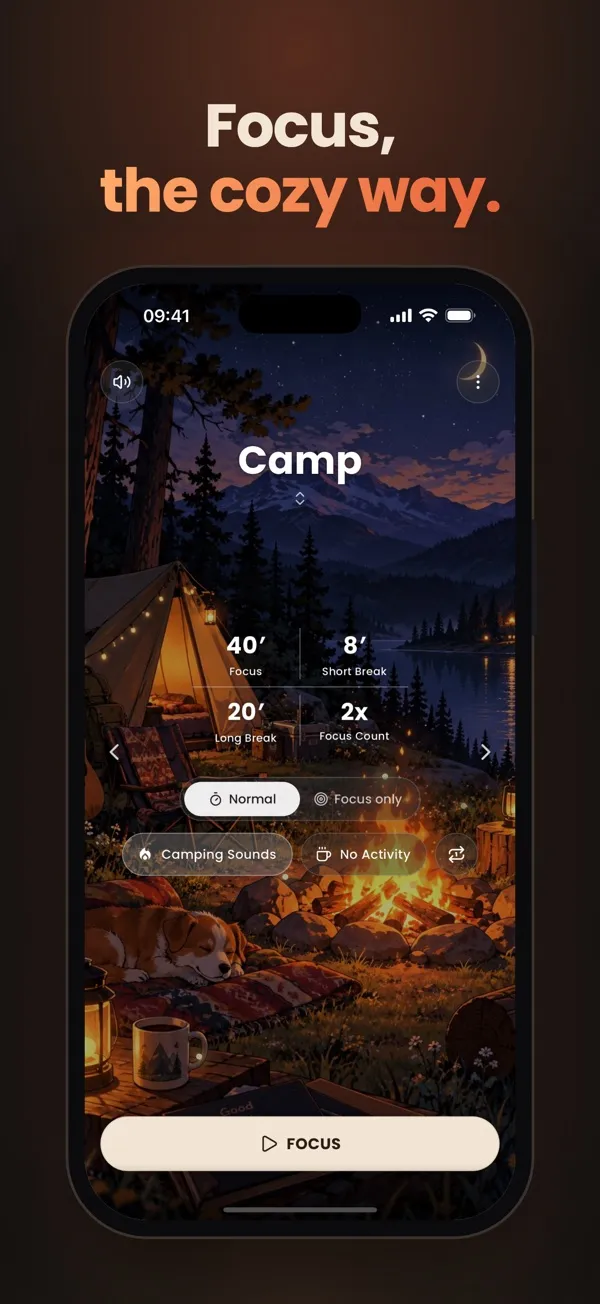
Tap focus, short break, long break or focus count on the timer screen and slide to the length you want: focus from 5 to 120 minutes, breaks from 1 to 60. Or let CozyAI pick them for you. Try the slider here.

Scenes, sounds and motion

Cozy rooms, landscapes and cities around the world, each with its own soundscape and its own small motion: fireflies at the campfire, rain over Kyoto, gulls above Istanbul, stars under the northern lights. Turn on the lofi radio on top if you like music.

Statistics that show the pattern

Today's minutes against your daily average, the last 7 days compared with the week before, your total focus, your streak and a weekly chart. Pro adds peak hours, focus trends and per-pomodoro breakdowns.

CozyAI sets your rhythm

Answer six quick questions about your work, attention span, energy and surroundings. CozyAI suggests focus and break lengths, tells you why, and applies them in one tap. It runs on your phone.

On your lock screen, or floating over other apps

Lock your phone and the session keeps going. On iPhone a Live Activity shows the countdown, when it ends and your rounds, on the lock screen and in the Dynamic Island. On Android an ongoing notification counts down, and when you switch to another app the timer keeps running in a small picture-in-picture window that shows the scene, the ring and the time left. When a phase ends you get a notification, and scheduled sessions send a heads-up 10 minutes before.

Breaks that actually rest you

When a short break starts, a panel slides up with an activity that fills the break. Guided routines show one illustrated move at a time with its own countdown: Eye Rest, Desk Stretch, Move & Hydrate and a Mini Workout. Breathe Therapy paces your breath (Calm 4-7-8, Box 4-4-4-4, Balance 5-5), and there is a piano and balloons to pop.

The identity behind Cozydoro

Nothing in Cozydoro’s look is decoration. Here is what the icon, each colour and each typeface stands for.

Icon

Cozydoro app icon, large

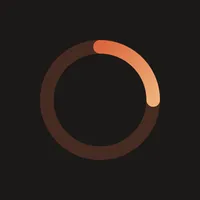
The timer ring is the whole icon, with one quarter lit: a session already under way. We left out the tomato, the clock and the coffee cup on purpose. Warm light in a dark room says focus without needing an object to explain it.

Colours

  • Room#171412

    A dark, warm brown instead of black: a room at night with one lamp on, so the screen never glares while you work.

  • Ember#DA673D

    The lit part of the ring. A glow rather than an alarm, so time passing feels calm, not urgent.

  • Peach#F0B079

    Where the ring's light softens, so progress grows gently instead of flashing.

  • Apricot#FFAA6B

    The bright end of the accent gradient, the warmest point on screen, saved for what matters.

  • Cream#F3E5D3

    The colour of paper under a lamp. Main buttons are cream with dark brown text, quiet enough to press without breaking the mood.

Type

  • 25:00PoppinsEvery text style, including the large timer digits

    Geometric, round figures that stay calm at any size, from a small label to a countdown that fills the screen.

Want an identity built with this much intent for your product? See how we work.

Questions about Cozydoro

Do I need an account?

No. Cozydoro has no sign-in. Open it and start a session.

Does my progress sync between devices?

No. Your pomodoros, statistics and tasks stay on your phone. Uninstalling the app removes them.

Can I change the session lengths?

Yes. The default is 25 minutes of focus, a 5-minute short break and a 15-minute long break every 4 sessions. Tap a duration on the timer screen to change it, or edit a pomodoro to use presets such as 50/10 and 90/15. While a session runs you can add or remove a minute.

What sounds are there?

Every scene has its own soundscape, such as a campfire, a cafe or a rainy room, plus places around the world, noise colours (white, pink, brown and more) and a 440 Hz tone. One soundscape plays at a time, and you can add the free lofi radio on top with its own volume.

What is CozyAI?

A short set of six questions about your work, focus, energy and surroundings. It suggests focus, break and long-break lengths and explains why. It runs on your phone and sends nothing. Your first plan is free; Pro makes it unlimited.

Will the timer keep running when my phone is locked?

Yes. You get a notification when each phase ends, a Live Activity and Dynamic Island on iPhone, and on Android an ongoing timer notification plus a small picture-in-picture window that floats over other apps.

What do I get with Cozydoro Pro?

Every scene and soundscape, the advanced statistics charts, unlimited CozyAI plans, unlimited task projects and focus-only mode. The timer, break activities, core statistics, calendar, reminders and radio are free.


Get Cozydoro

Reading for Cozydoro users

All articles

More apps by Torchingale

All apps

Rana

Eat the Frog. Do the hardest task first.
On the App Store and Google Play

Evraka

File Finder. Find everything. Search in everything.
On the App Store and Google Play

Locck

Don't Forget. Pin notes. Keep reminders visible. Forget less.
On the App Store and Google Play